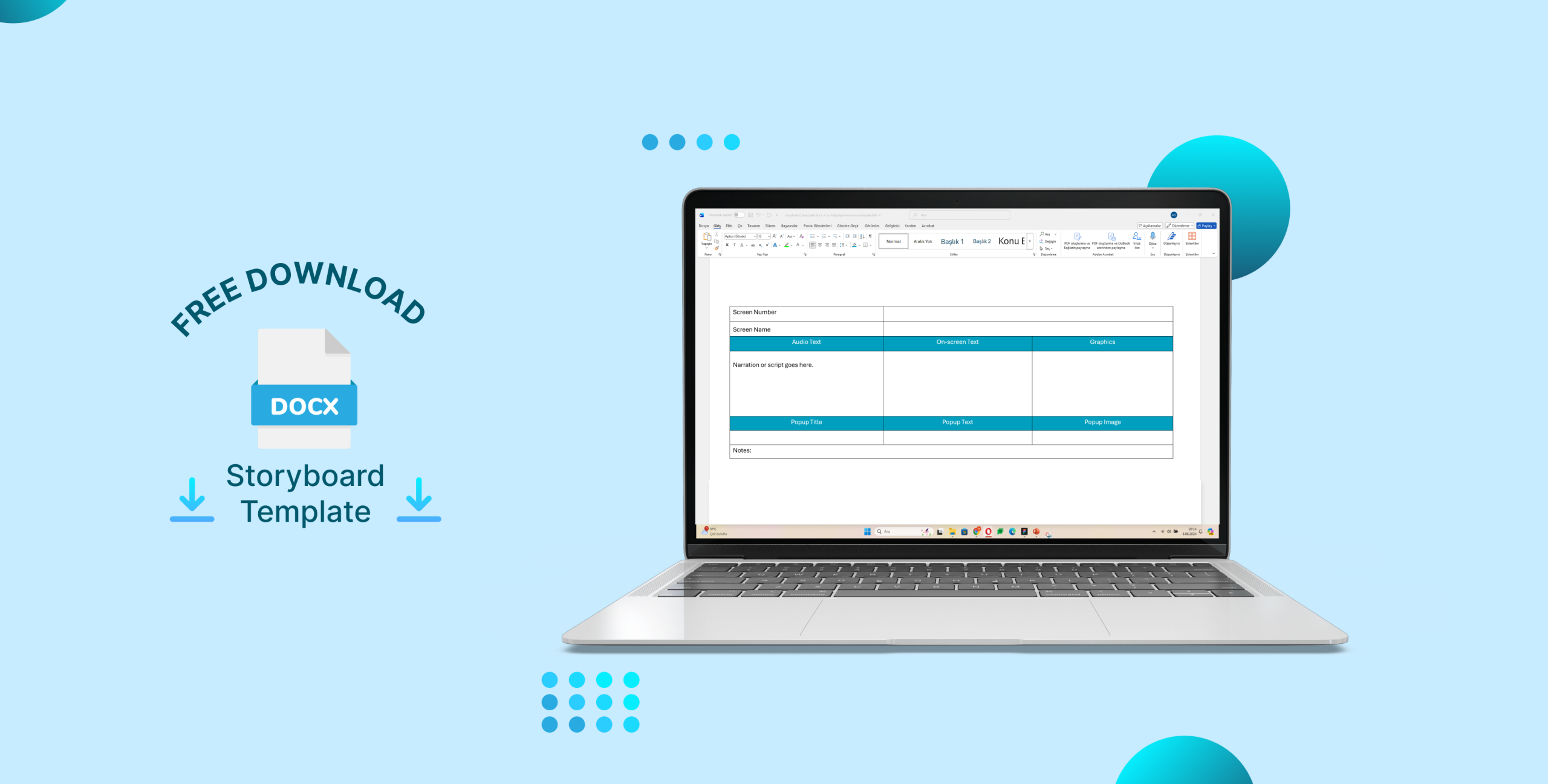
Designing an eLearning course is much more than creating slides it’s about transforming ideas into a structured, learner-focused experience. A storyboard bridges that gap between concept and creation. Plan your next project with this eLearning storyboard template.
To make your design process smoother, here’s a free, editable storyboard template created specifically for instructional designers, developers, and eLearning creators using tools like Articulate Storyline, Rise, or Captivate.
What’s Inside
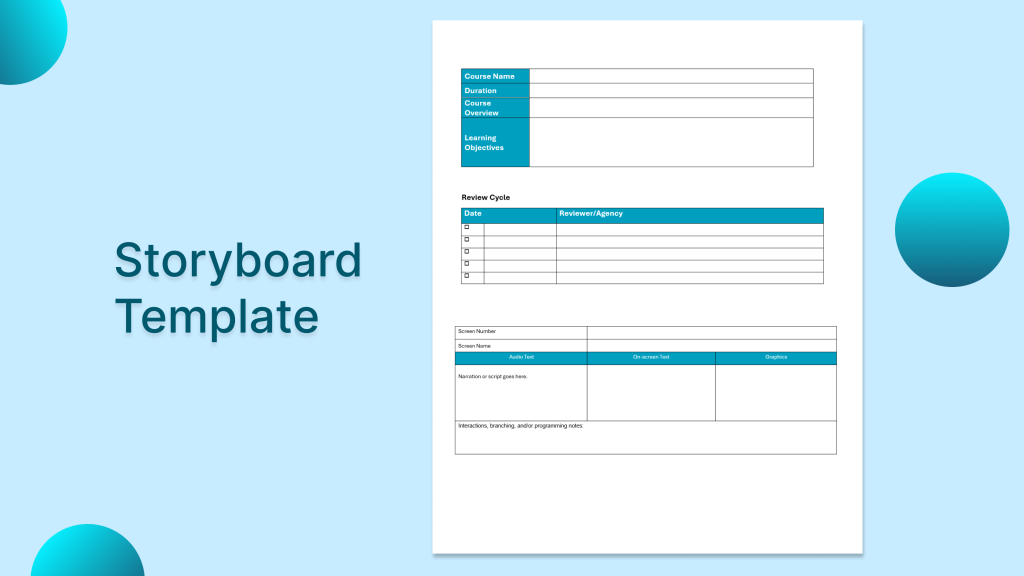
The storyboard template includes everything you need to plan and organize your eLearning courses effectively:
- Course Information: Title, duration, and overall learning objectives.
- Learning Objectives Section: Define measurable outcomes for each module.
- Screen-by-Screen Design: Record on-screen text, narration, visuals, and interactions for every slide.
- Interaction Notes: Plan triggers, branching logic, and feedback elements clearly.
- Review Section: Track review cycles, feedback, and final approvals.
Everything is formatted cleanly and ready to use in Microsoft Word (.docx) — no design skills required.
eLearning Storyboard Template 📥
How to Use It
- Download the template.
- Fill in the course information and objectives.
- For each screen, describe visuals, narration, and interactivity.
- Share it with your development or review team for feedback.
- Use it as a guide while building your eLearning module in your preferred authoring tool.
This storyboard ensures that your creative ideas align with instructional goals, saving time and reducing revisions during development.
Why Storyboard Template Useful
Whether you’re an instructional designer, subject matter expert, or content developer, this storyboard helps you:
- Keep consistency across modules
- Clarify design decisions before production
- Communicate better with your stakeholders
If you’d like me to expand this template with more details, feel free to leave a comment or suggestion below.
I can also include a sample section for assessment design, featuring single choice, multiple choice, and drag-and-drop question templates.

I’ll be sharing more free eLearning resources and templates for instructional designers in the Downloads section soon…
You can also explore other articles on my blog and portfolio for more insights into eLearning design and development.


Leave a Reply